
In recent news, Microsoft has blocked (removed) the popular way to create a local account over using a Microsoft Account on the Out-of-Box Experience (OOBE) on Windows 11 24H2. However, if you still wish to create a local account, here is an alternative method.
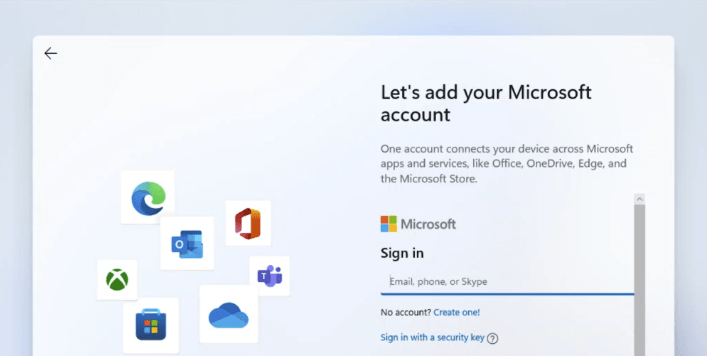
With this ‘new’ method – follow the Windows 11 install process until you reach the Sign in screen.
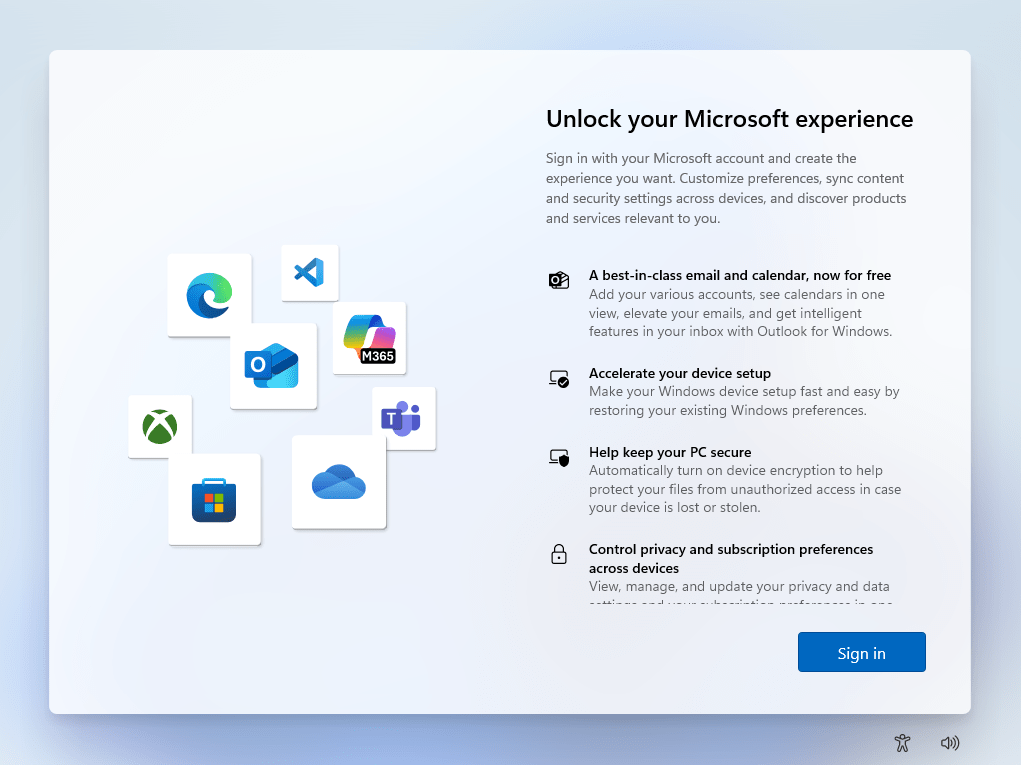
At this point press, the following key combination – Shift & F10 and a command prompt will pop up and insert the following;
start ms-cxh:localonly
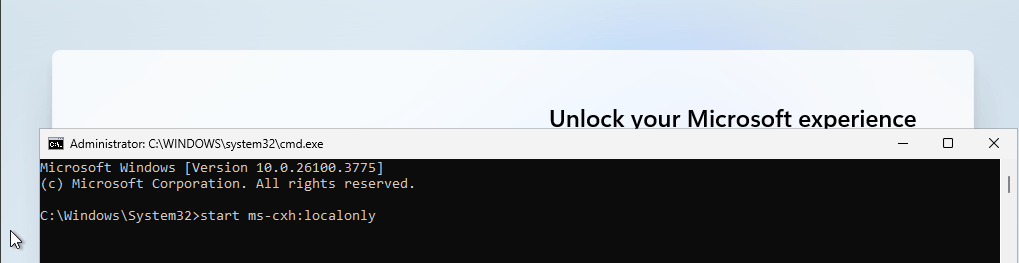
Once you hit the Enter key, a ‘Create a user for this PC’ Window will appear;
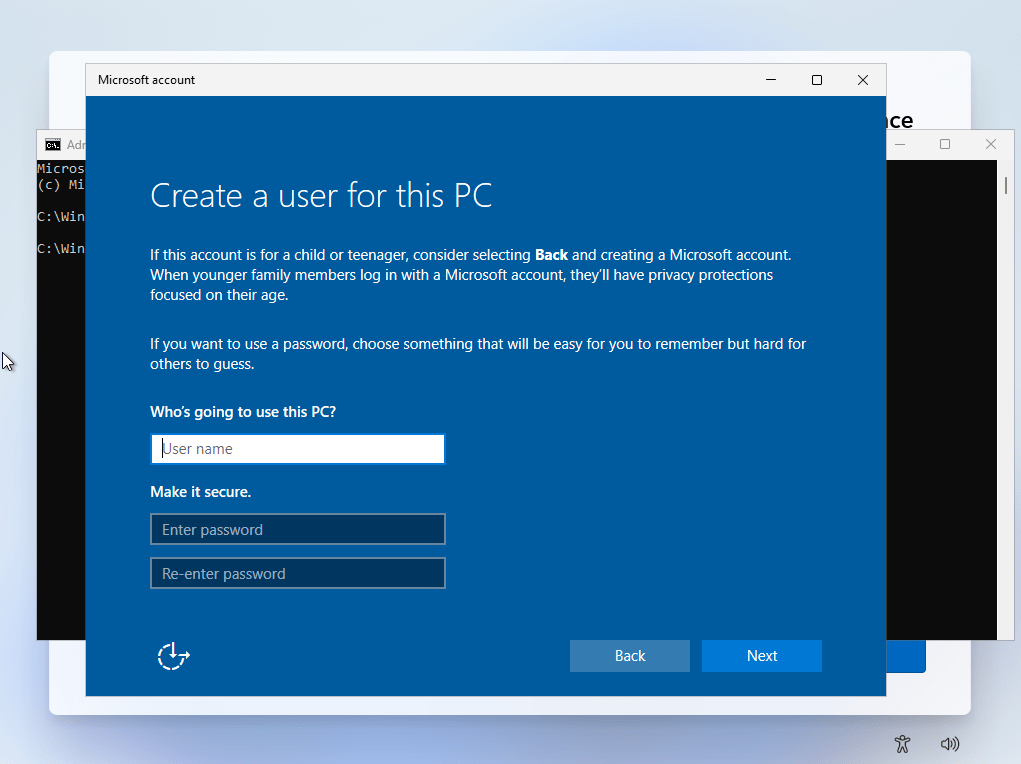
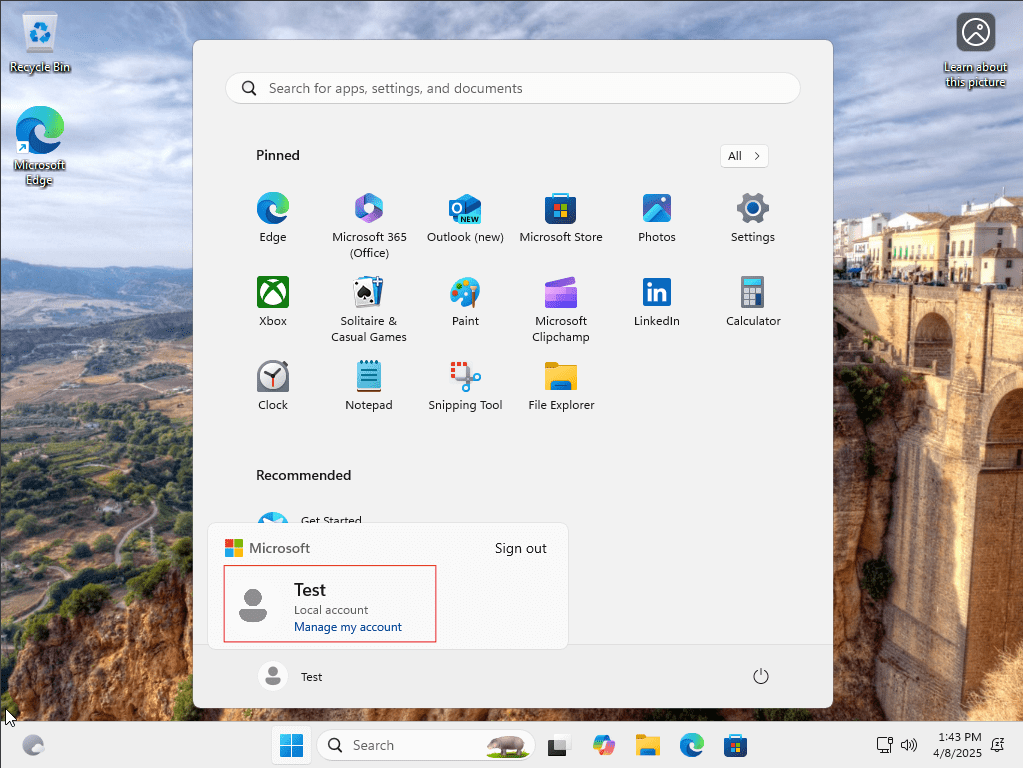
Enter your desired local account username and password. If you leave the password fields blank, it will create a user account without a password. Press Next and continue the setup, eventually you will get to the Desktop with your Local Account.
 LRS Computers