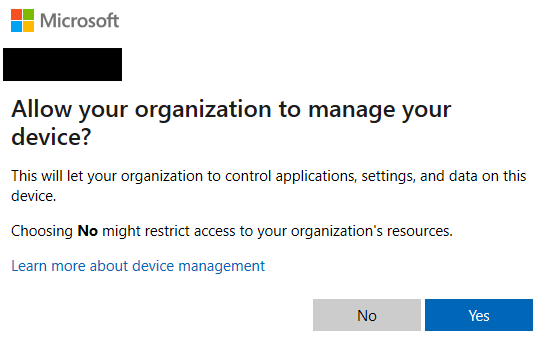
Allow your organisation to manage your device?

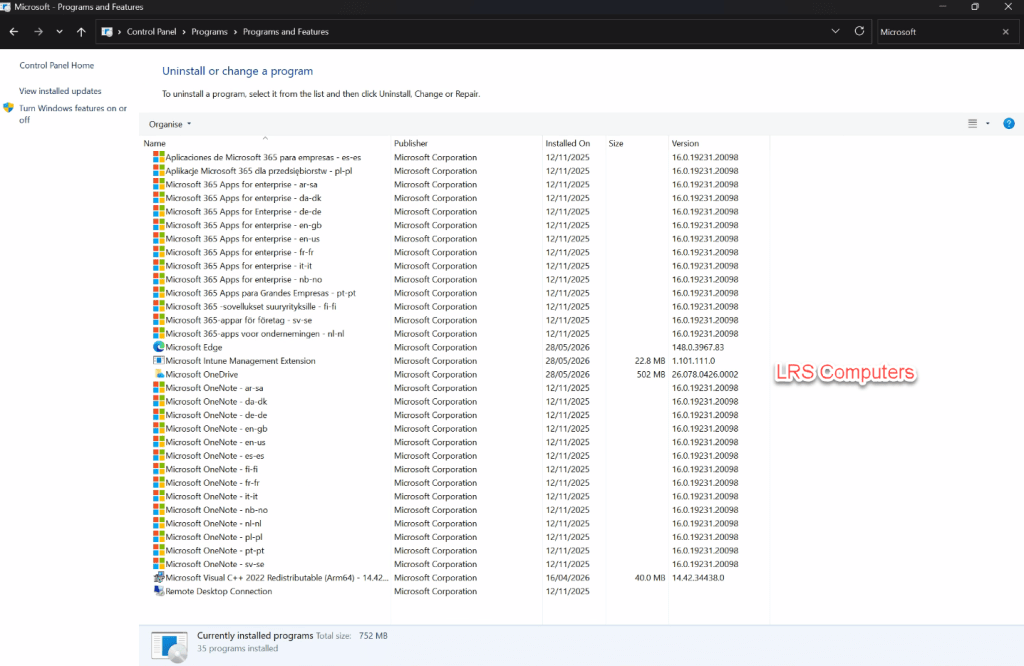
When signing into one of the Microsoft 365 Desktop Apps (Outlook, Word, etc) – you’ll go through a couple of setup Windows, inserting your email address, password, and being asked whether you want to sign into all apps and finally – Allow your organisation to manage your device?

With the question above, if you use Microsoft Intune – it will allow for a simple enrolment process. But if you don’t, then clicking Yes will often result in a strange error message, which creates confusion to the end user.

In this post, I will show you how to prevent the above from being asked.

Read More »

New Outlook – Convert a Shared Mailbox

There are so many benefits to using a shared mailbox over paying for a subscription. A centralised communication, not extra licensing costs, improves workflow, easier collaboration between a team / department.

If you wish to unlock some additional features, such as creating a separate email signature for this shared mailbox or receiving notifications. You need to look into turning off automapping, then add it as an additional mailbox.

However, with New Outlook – we can now go into the settings and Convert. This means we no longer need to run PowerShell to disable automapping.

In this post, I will show you how.

Read More »

Intune – Remove Default Microsoft Store Apps

One slight annoyance with IT Technicians would be preinstalled applications on new computers – we quite often have to remove ‘free’ subscriptions to an Anti-Virus that we don’t want or remove different cloud storage programs like Dropbox.

However, the preinstalled apps from the Microsoft Store is a different annoyance. Quite often you remove these manually or via a script for them to reappear on the next restart or by a feature update. In a business environment, we don’t want to have the Xbox App.

Through Microsoft Intune – we can now create a Configuration Profile to remove these preinstalled apps.

In this post I will show you to create this configuration profile.

Please note this only works for Windows 11 Enterprise and Education 25H2.

Read More »