
With Windows 11, we are slowly transitioning between Control Panel and Settings. However, when it comes to maintaining printers on a device, I much prefer the ‘older’ Control Panel interface.
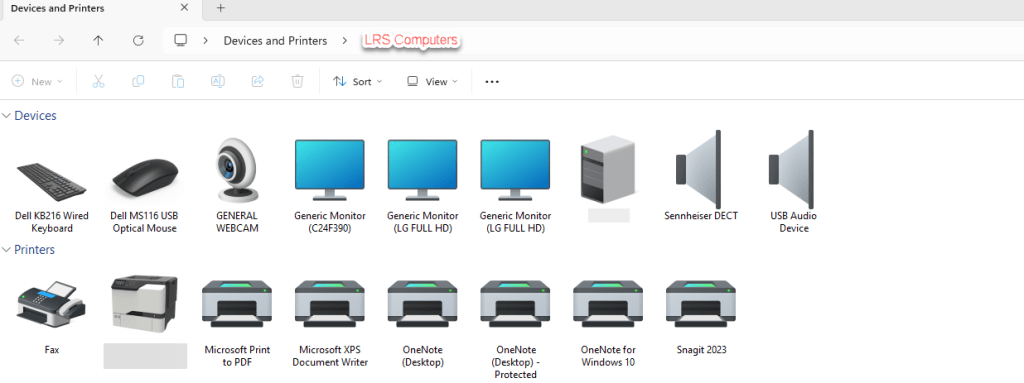
In this post, I will show you a run dialogue on how to access the above.
Simply on your PC, open the Run Box (Windows Key & r) and insert the following and click Ok;
shell:::{A8A91A66-3A7D-4424-8D24-04E180695C7A}
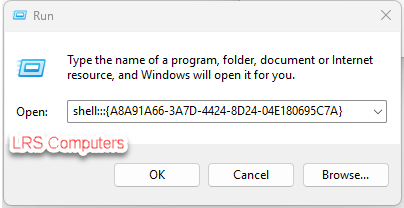
And it will open the old-style Control Panel.
The above has been tested on Windows 11 25H2 and is still working.
 LRS Computers