
Windows 11 – Encrypt with Bitlocker and PIN

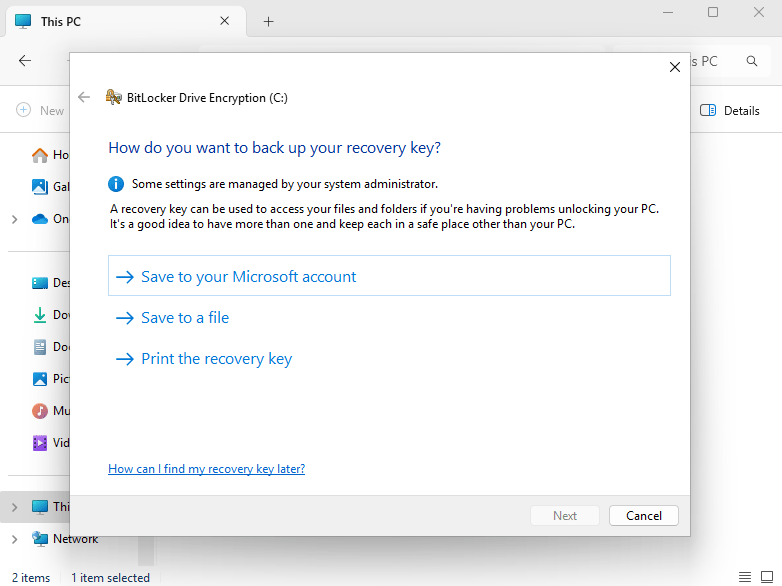
With many forms of industry standards and cybersecurity guidelines, you will see how important it is to encrypt your data. You may password protect your Windows device, but if it stolen – all it takes is someone to remove the drive, plug it into a HDD caddy, and they will have access to your data. Windows comes with its own version of encryption called BitLocker. Once BitLocker has been enabled, the data on that drive is encrypted.

However, is the standard out-of-the-box version of BitLocker secure enough? I’m going to show you how to encrypt your data with a PIN, meaning you can only get into Windows knowing the BitLocker PIN. Please note that you need to be running a Pro version of Windows to enable this setting.

Read More »

M365 – Limit Access on Unmanaged Devices

In a dream world of IT, every device is managed, protected, encrypted and follows a Configuration Profile. However, we often come across clients, normally on the smaller side, who want their end users to be able to work on their own personal device. You can quite easily stipulate a BYOD Policy, but very often, they are simple and state, the device must have anti-virus, the device must have encryption and they must be up to date – they sign the Policy and no checks on the device itself have been carried out.

Below I’m going to go through the steps, that is put in place to limit access to the Web Apps only and prevent them from downloading files on their device and prevent them from signing into the Desktop Apps too.

Please note, to action these, you need Conditional Access, which is ‘locked’ behind a Microsoft Subscription. Having a Subscription such as Business Premium allows for Conditional Access.


Read More »