
A while back, I created a post on how to use Get Help to uninstall the pre-installed Microsoft 365 applications from your new device. As previously mentioned – When purchasing a new Windows computer from a manufacturer, mainly Dell – we have noticed that they like to install different language versions of Microsoft 365, and Microsoft OneNote.
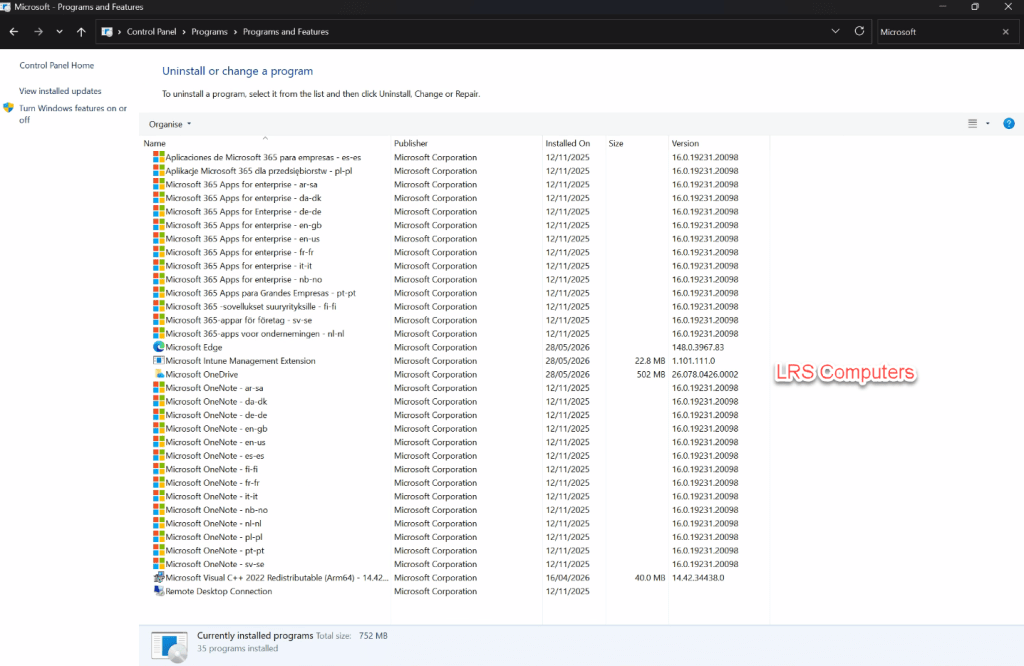
As I mainly deal with computers for businesses and clients who have their Microsoft 365 subscription, we much prefer to uninstall the above and install a fresh copy of Microsoft 365 (Office) directly from their account / subscription.
We can uninstall directly from Control Panel, but each one can take 2-3 minutes, and requires manual intervention each time.
Recently, the Get Help method has been very hit-and-miss. This is a different method using the Deployment Tool and an XML File to quickly uninstall it.
Read More » LRS Computers