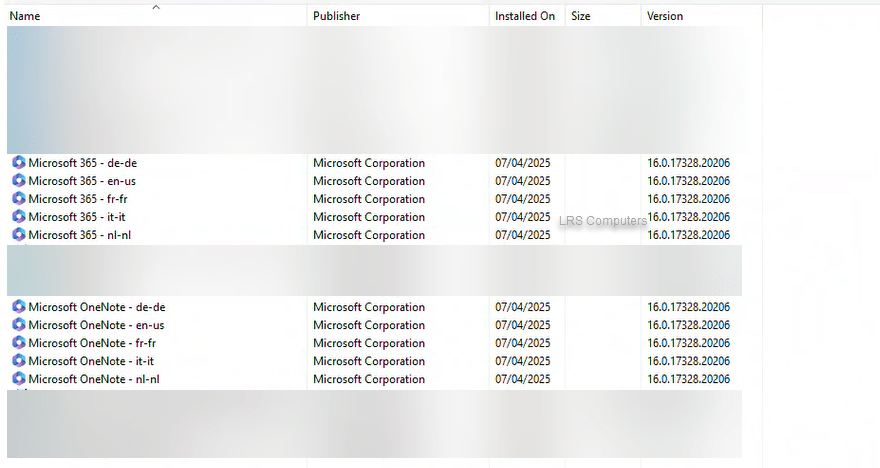
Uninstall Microsoft 365 (Office Applications) – XML File

A while back, I created a post on how to use Get Help to uninstall the pre-installed Microsoft 365 applications from your new device. As previously mentioned – When purchasing a new Windows computer from a manufacturer, mainly Dell – we have noticed that they like to install different language versions of Microsoft 365, and Microsoft OneNote.
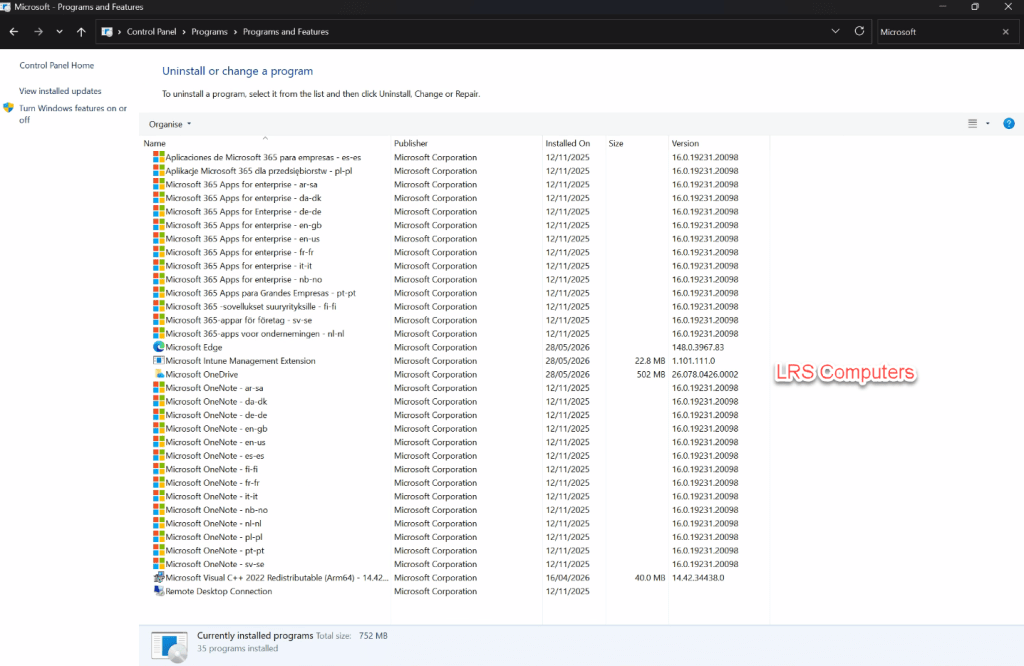
As I mainly deal with computers for businesses and clients who have their Microsoft 365 subscription, we much prefer to uninstall the above and install a fresh copy of Microsoft 365 (Office) directly from their account / subscription.

We can uninstall directly from Control Panel, but each one can take 2-3 minutes, and requires manual intervention each time.

Recently, the Get Help method has been very hit-and-miss. This is a different method using the Deployment Tool and an XML File to quickly uninstall it.

Read More »
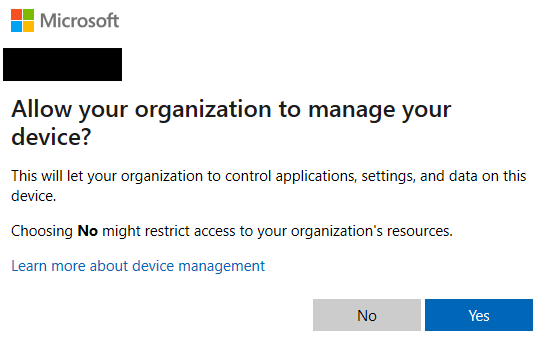

Allow your organisation to manage your device?

When signing into one of the Microsoft 365 Desktop Apps (Outlook, Word, etc) – you’ll go through a couple of setup Windows, inserting your email address, password, and being asked whether you want to sign into all apps and finally – Allow your organisation to manage your device?

With the question above, if you use Microsoft Intune – it will allow for a simple enrolment process. But if you don’t, then clicking Yes will often result in a strange error message, which creates confusion to the end user.

In this post, I will show you how to prevent the above from being asked.

Read More »

Intune – Remove Default Microsoft Store Apps

One slight annoyance with IT Technicians would be preinstalled applications on new computers – we quite often have to remove ‘free’ subscriptions to an Anti-Virus that we don’t want or remove different cloud storage programs like Dropbox.

However, the preinstalled apps from the Microsoft Store is a different annoyance. Quite often you remove these manually or via a script for them to reappear on the next restart or by a feature update. In a business environment, we don’t want to have the Xbox App.

Through Microsoft Intune – we can now create a Configuration Profile to remove these preinstalled apps.

In this post I will show you to create this configuration profile.

Please note this only works for Windows 11 Enterprise and Education 25H2.

Read More »

Uninstall Microsoft 365 (Office Applications) – Get Help

When purchasing a new Windows computer from a manufacturer, mainly Dell – we have noticed that they like to install different language versions of Microsoft 365, and Microsoft OneNote.

The above can be totally fine, but as premade computers from a manufacturer – they are often packed with bloatware and unnecessary applications.

As I mainly deal with computers for businesses and clients who have their Microsoft 365 subscription, we much prefer to uninstall the above and install a fresh copy of Microsoft 365 (Office) directly from their account / subscription.

We can uninstall directly from Control Panel, but each one can take 2-3 minutes.

In this post, I will show you how I uninstall all the above with a few clicks.

Read More »

Anti-Virus Expired?

There’s been an argument online about whether paid anti-virus software is still required in the modern age of computing.

Growing up with computers in the late 1990s and early 2000s, there was a need for anti-virus software; we also needed anti-spyware tools to feel protected when accessing the internet. However, there is an argument now that states just using Defender (Microsoft’s own AV solution) is enough.

If you choose whether to use a paid anti-virus or not is totally down to you.

But we still need to look out for scams – we still see a bombardment of notifications claiming that your anti-virus solution has expired. Such as;

Is the above a genuine prompt from Norton? In this post, I will explain on why it isn’t.

Read More »